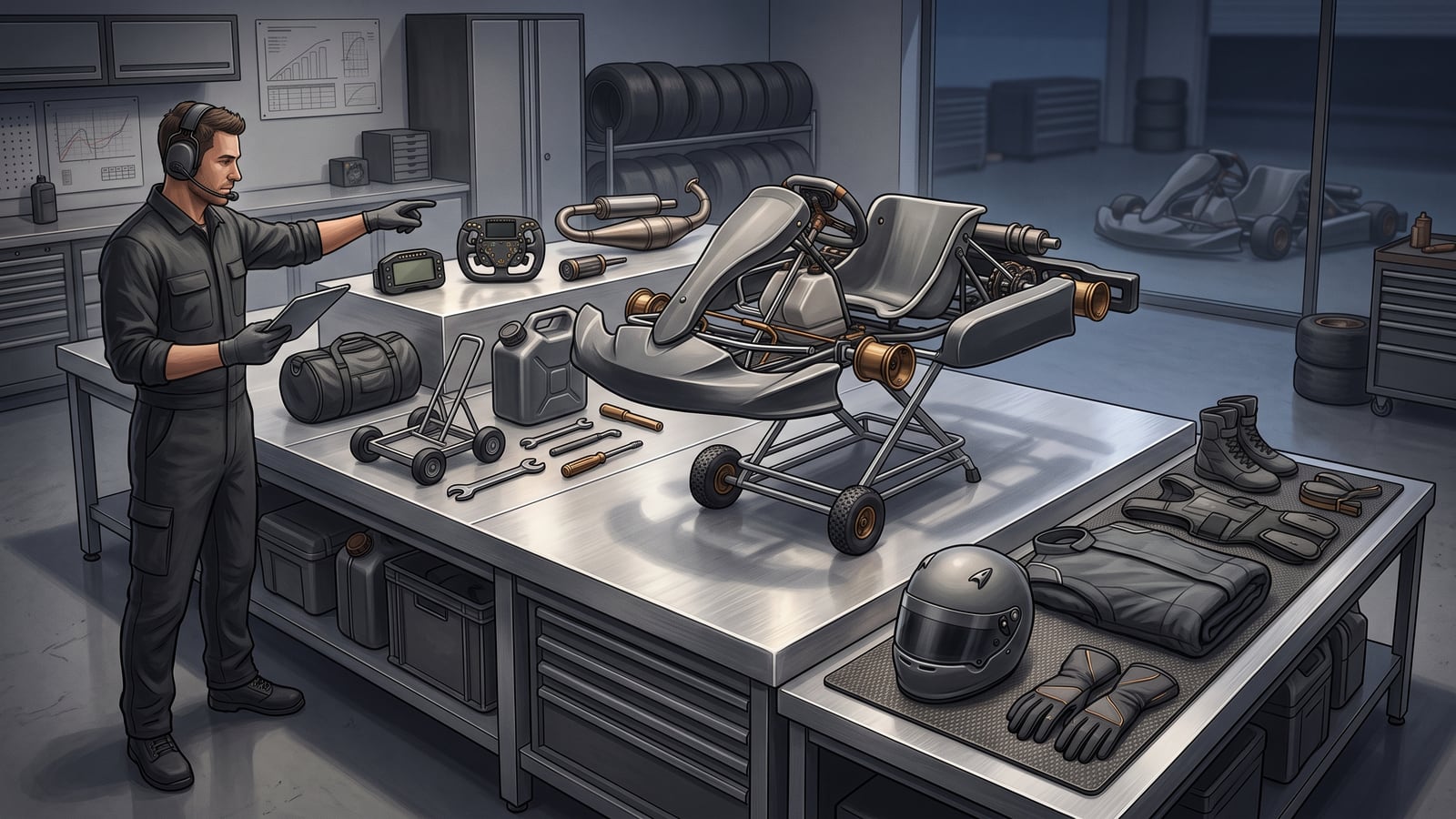
You've booked your child's first karting session, and now the questions start. Does she need her own helmet? Should you buy a suit before you've even seen the place? Or does the venue sort most of that out, and you're just supposed to show up?
These questions all share the same shape: which bucket does this item belong in? Something the booking itself requires. Something your family needs to arrange to make the day work. Or something you can put off until later. Sort by that shape instead of guessing at a shopping list, and the rest of this guide follows from there.
By the end you'll have a compact form — one row per item, with the bucket, the reason, where that reason came from, and who does what next — ready to fill in for your own booking.
Three buckets, one booking
A confirmed requirement is something a current source tied to this specific booking tells you to have or do. It gives you a clear action — bring it, arrange it, or ask about it before the session. The catch is that the answer can change next time you book, so it's worth checking again rather than assuming last time's answer still holds.
A planned-day need is something your family has to sort out to make the day itself work — a ride to the venue, a plan for bad weather, an accessibility arrangement. Nobody at the venue is requiring this of you. It's your own logistics, and you're the one who decides it.
A later upgrade is anything optional: your own suit instead of a loaner, a second helmet, gear that only makes sense once you know you're coming back. Putting it off saves you from spending before you know it's worth spending on. The only discipline it asks of you is to write down what would make the decision worth reopening, so "later" doesn't quietly turn into "never thought about it again."
What decides which bucket an item falls into is the booking in front of you: the venue, the organizer running the session, the applicable governing authority, the manufacturer where equipment approval matters, and the country or region you're in. A rule that applied at one event doesn't automatically carry over to the next one. The Motorsport UK example later in this guide is scoped to one ruleset in one country.
Compare the commitments
| Confirmed requirement | Planned-day need | Later upgrade | |
|---|---|---|---|
| Where it comes from | A current source governing this booking | Your family's own logistics | Your own preference or plan to continue |
| When you must decide | Before the session | Before the session | Whenever you choose |
| Typical action | Buy, borrow, rent, or confirm | Arrange, schedule, or pack | Note it and wait |
| What can go wrong if ignored | You arrive without something the booking needs | The day itself doesn't work logistically | You spend early on something you didn't need yet |
A confirmed requirement gives you certainty, but it can cost money or time on short notice — you might need to buy, borrow, or rent something, or get a firm answer before you commit. A planned-day need depends on your own arrangement, so check what that plan costs rather than assuming it's cheap. A later upgrade is the easiest bucket to sit in, and that's exactly why it's worth writing down the trigger for reopening it — otherwise "we'll decide later" quietly becomes "we forgot to decide."
Weather and accessibility arrangements sit under the planned-day bucket by default: a family decides to pack wet-weather layers, or arranges accessible parking and seating itself, and owns that decision because no authority is dictating it. If the booking confirmation or organizer instructions do specify a weather- or accessibility-related requirement — a mandatory wet-weather layer, say — that item moves to confirmed requirement instead, and the source and revisit point should reflect it. Either way, write down who's responsible and what would change the answer, such as an updated forecast or a different venue.
None of this needs a number attached to make it useful. Compare what your booking already includes and whatever quotes you've gathered locally against how much ownership and upkeep you're ready to take on. If you don't know a cost yet, write "unknown" rather than assuming it's free — an unpriced item isn't the same as a zero-cost one.
When the format changes
Say a family raced their child at one event last season and is now booking a different one. It's tempting to reuse last season's answer on what suit was needed.
Motorsport UK's 2026 rules are a useful, scoped example of why that's worth rechecking: even within one governing body's rulebook, the suit requirements differ between Race Venue Kart Events and Short Circuits. Two events under the same authority, in the same season, can ask for different things. It shows that requirements can differ by event format, not just by governing body or country.
So treat a previous decision as a record worth keeping — then recheck it rather than assuming it carries over automatically. If the booking, the participant, the session format, or the applicable instructions change, the item goes back into "confirmed requirement" — even if the answer turns out to be the same as before.
What a package may change
Here's a different kind of hypothetical: a beginner in the UK is deciding whether to own a kart before their first few sessions. Motorsport UK notes that many circuits and teams offer arrive-and-drive packages that include the kart, fuel, tyres, and mechanical support. "Many" isn't "all," and the description stops at those four items — it says nothing about whether a helmet or protective clothing comes with the package. To know what a specific booking includes, check the actual booking; the general pattern doesn't guarantee what's in yours.
If a package does cover the kart and its running costs, that changes what "confirmed requirement" looks like for this booking — there may be less to arrange than the beginner first assumed. It doesn't turn ownership into something you need this week. Whether to own a kart eventually is a separate question about storage, transport, and upkeep, and it belongs in the later-upgrade bucket. This booking doesn't force that decision on you.
Build the session record
Once you can sort an item into one of the three buckets, write it down somewhere you'll come back to. The form below has six columns, matching what you'll fill in for your own booking.
Seeing one filled in first makes it easier to trust the method, so here's a worked example before the blank version.
Hypothetical first booking
Everything in this table is invented to show the method. There's no real venue behind it, no real inspection, no real product — just a hypothetical booking email, the kind of thing a parent might receive after confirming a first session, used only to illustrate how the three buckets work in practice.
| Item | Bucket | Reason | Confirming source | Revisit point | Owner or next action |
|---|---|---|---|---|---|
| Helmet | Confirmed requirement | The fictional booking email says the participant must bring one | Hypothetical booking email — "What to bring" | Recheck if the booking, participant, session, or organizer instruction changes | Parent checks the named requirement against the current booking |
| Ride to the venue | Planned-day need | The fictional parent has decided how the child will reach the session | Parent's travel plan | Revisit if the session time or driver availability changes | Parent confirms the journey |
| Optional personal accessory | Later upgrade | It is not needed to complete the fictional session plan | No confirming authority; family preference only | Revisit after the session if continued participation makes ownership useful | No purchase before the first session |
Notice what's different about each row: one needs checking against a source, one needs an owner but no authority behind it, and one needs nothing right now beyond a note for when to reconsider it.
Blank session-equipment form
Copy this into your own notes and fill in one row per item you're weighing for your booking.
| Item | Bucket (confirmed requirement / planned-day need / later upgrade) | Reason | Confirming source | Revisit point | Owner or next action |
|---|---|---|---|---|---|
Verify the unresolved points
Some rows will fill in easily. Others will leave a gap — you'll know an item matters, but not yet what the current booking says about it. When that happens, work through this short sequence:
- Read the booking confirmation and anything linked from it. Start here — it's the source specific to your date and event.
- For anything the confirmation doesn't settle, ask the party that can actually answer it — the venue, the organizer, the relevant governing authority, or the manufacturer, whichever one applies to the question you're asking. Match the party to the question: a rulebook can't speak for a particular venue's local practice, and a venue can't rule on FIA homologation.
- If you're looking at FIA-homologated protective clothing, separate identification from acceptance. FIA Standard 8877-2022 covers overalls, gloves, and shoes — not helmets — setting out the design, testing, and labeling rules that let you identify whether an item has gone through that process. A label or list entry can help you spot a claimed homologation, but confirming it means checking the exact product against the current FIA list — recognizing the standard number on a garment isn't enough on its own. Even a confirmed homologation doesn't establish that a particular venue, organizer, class, or season will accept the item — confirm acceptance separately with the authority that governs your booking.
- A completed row records the source you checked and the trigger for checking again.
Where to go next
This guide covered the method for sorting, sourcing, and recording what a booking needs. Start at the equipment hub for the next decision. From there, three guides pick up where this one leaves off: what's worth trying when choosing a helmet; how to build a local first-season budget before you buy anything; and whether rental, supported, or owner karting fits your next step. For the wider picture beyond equipment, the karting section covers driving, setup, and getting started too.
Your next step: open the current booking confirmation and enter its first explicit equipment requirement, confirming source, and revisit point in the blank form above.